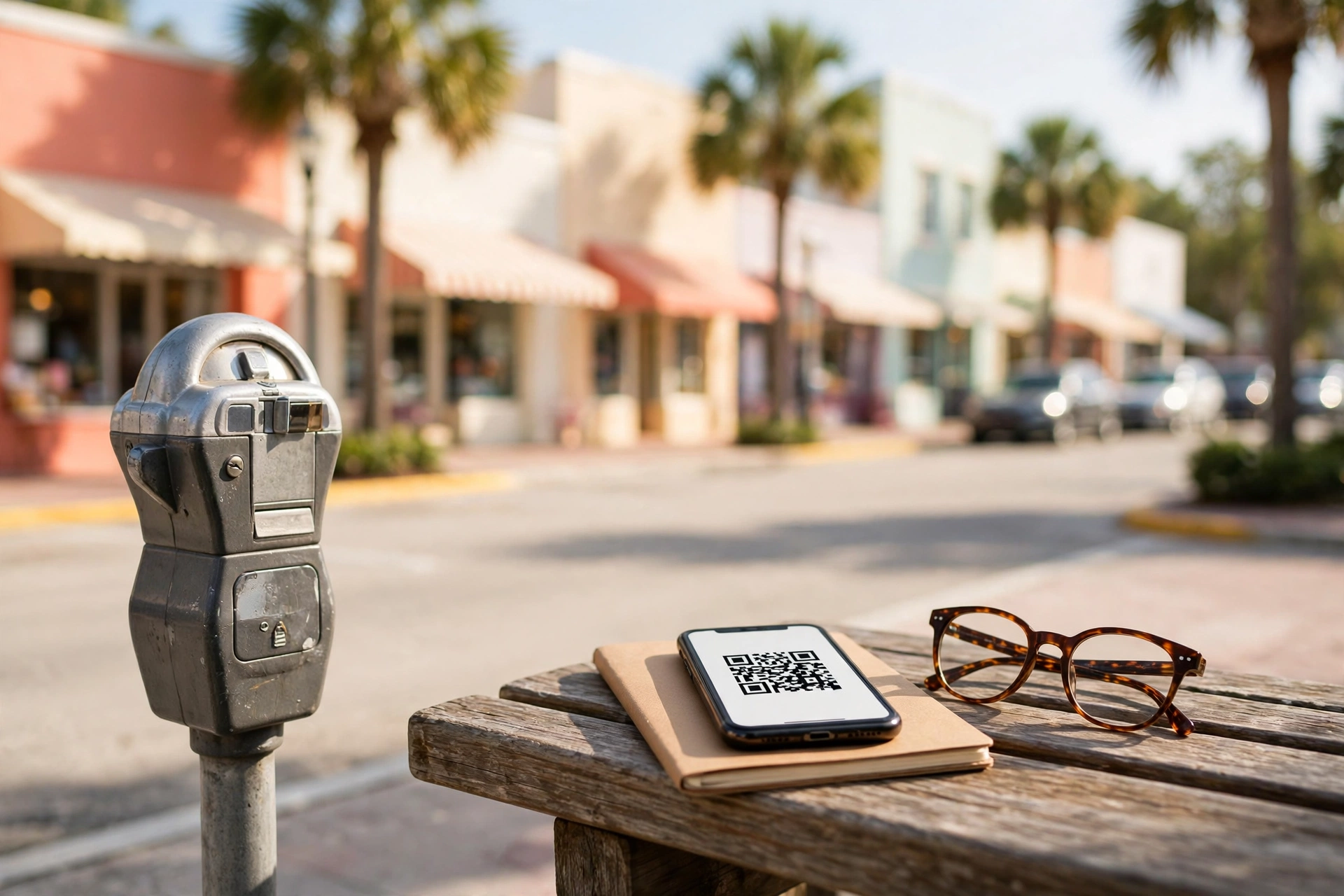

Learn how to spot a fake QR code before you scan one at a parking meter, on a restaurant table or inside a package you never ordered. A QR code is simply a link drawn as a picture. You cannot read where it goes with your eyes, and that hidden destination is exactly what scammers count on. The good news is that a few slow seconds before you tap can stop almost every version of this trick.
On September 3, 2026 the Federal Trade Commission warned that scammers are covering real QR codes on parking meters with stickers of their own. A driver scans what looks like the city payment code, lands on a fake payment page and hands card details to a stranger. The Federal Bureau of Investigation has warned about the same tampering trick and about unordered packages that arrive with a code inside. One scan feels harmless. What you type after the scan is where the money leaves.
How to spot a fake QR code in public places
Start with the code itself, not your phone. Run a fingertip across the edge of any code stuck on a meter, a sign, a charger or a payment kiosk. A real code is printed as part of the sign. A fake one often sits on top as a sticker, with a lifted corner, a glossy finish that does not match the sign or edges that feel raised. If it peels, do not scan it.
Next, look at how the code fits its setting. A city meter code should carry the city or operator name and match the design of the meter. A loose paper square taped over a printed panel is a warning sign. So is a code that promises a prize, a refund or a fine payment with urgent language around it. Real payment points explain the service calmly. Scams rush you.
When the setting allows it, choose the safer route and skip the code entirely. Open the official parking app yourself from your app store, type the official website address into your browser or pay at the machine with a card. Going direct removes the hidden link from the decision, which is the same habit that protects you from a package delivery scam text and other link based tricks.
Read the preview before the page opens
Your phone camera shows the destination address before it opens the page. That preview is your best checkpoint, so slow down and read it every time. Look at the core name right before the dot com or dot gov part of the address. Scammers add extra words, swap letters or use a name that looks close to a real company at a quick glance. If the address does not match the business in front of you, close it and do not tap through.
Treat shortened addresses with extra care. A short link hides the final destination, and a payment page is the wrong place to guess. If a code asks you to sign in to a bank, a delivery account or an email account you did not expect, stop. Legitimate services rarely send you to a sign in page through a random public code.
Pressure is the other preview you can read. A page that says pay now or face a fine, a court date or a closed account is using fear to keep you from thinking. Government agencies and real companies give you a way to confirm a charge through an official channel. Take that route, even when it takes a few minutes longer.
The three places fake codes show up most
Parking and payment points come first, because they already expect your card and you are often in a hurry. That mix of speed and payment is why the FTC warning focused on meters. Always check for a sticker and always read the preview at these spots.
Unexpected packages come second. Our guide to the brushing scam explains why an unordered parcel may carry a code that invites you to scan to learn the sender or start a return. Do not scan it. If you did not order the item, you owe no scan, no form and no card number to anyone connected with it.
Texts and emails come third. A message may claim a traffic fine, a missed delivery or an account problem and offer a code as the fast way to fix it. Treat that code exactly like a link from an unknown sender. Go to the official app or website on your own and check there. Our Scam Proofing hub collects the family checklists we publish for these impersonation tricks in one place.
What to do if you already scanned and paid
Act on what you entered, not on the scan alone. If you only opened a page and closed it without typing anything, the risk is usually low. Close the page, keep your phone software updated and watch for strange prompts.
If you entered card details, call the number on the back of your card right away. Ask the bank to block the card, watch the account and dispute any charge you did not approve. Speed matters because a saved card number can be tried again at other stores within hours.
If you entered a password, change that password from a safe device and change any other account that shares it. Turn on two factor authentication where you can, using an authenticator app when one is offered. If you sent money or gave personal information, report it to the FTC at ReportFraud dot ftc dot gov and keep copies of the message, the page address and any receipt. A short family rule helps here. Anyone in the house can pause a scan and ask a second person to read the preview before money moves.
A simple scan rule for the whole family
Share this rule at the kitchen table tonight. Feel the code, read the preview and go direct for payments. Three checks, a few seconds each, and they cover meters, menus, packages and messages alike. Older relatives are often the target because scammers expect them to trust a printed sign. Show them the sticker check in person once and it will stick far better than a warning sent by text.
Write the rule where it will be seen. Put it on the fridge beside the delivery instructions and save it in the notes app on your phone. The next time a code appears in a strange place, the habit will already be loaded before the camera opens.
Want the wider system for decisions like this one? Download our free ebook at Unlocking Financial Freedom and use its simple planning steps to protect your money before a scam tests your household. Then teach the three scan checks to one person you care about this week.